What if you could walk your facility from anywhere?
Drex360 turns a 3D scan of your building into a walkthrough your team can open in any browser, with manuals, records, and routes pinned right where they apply.
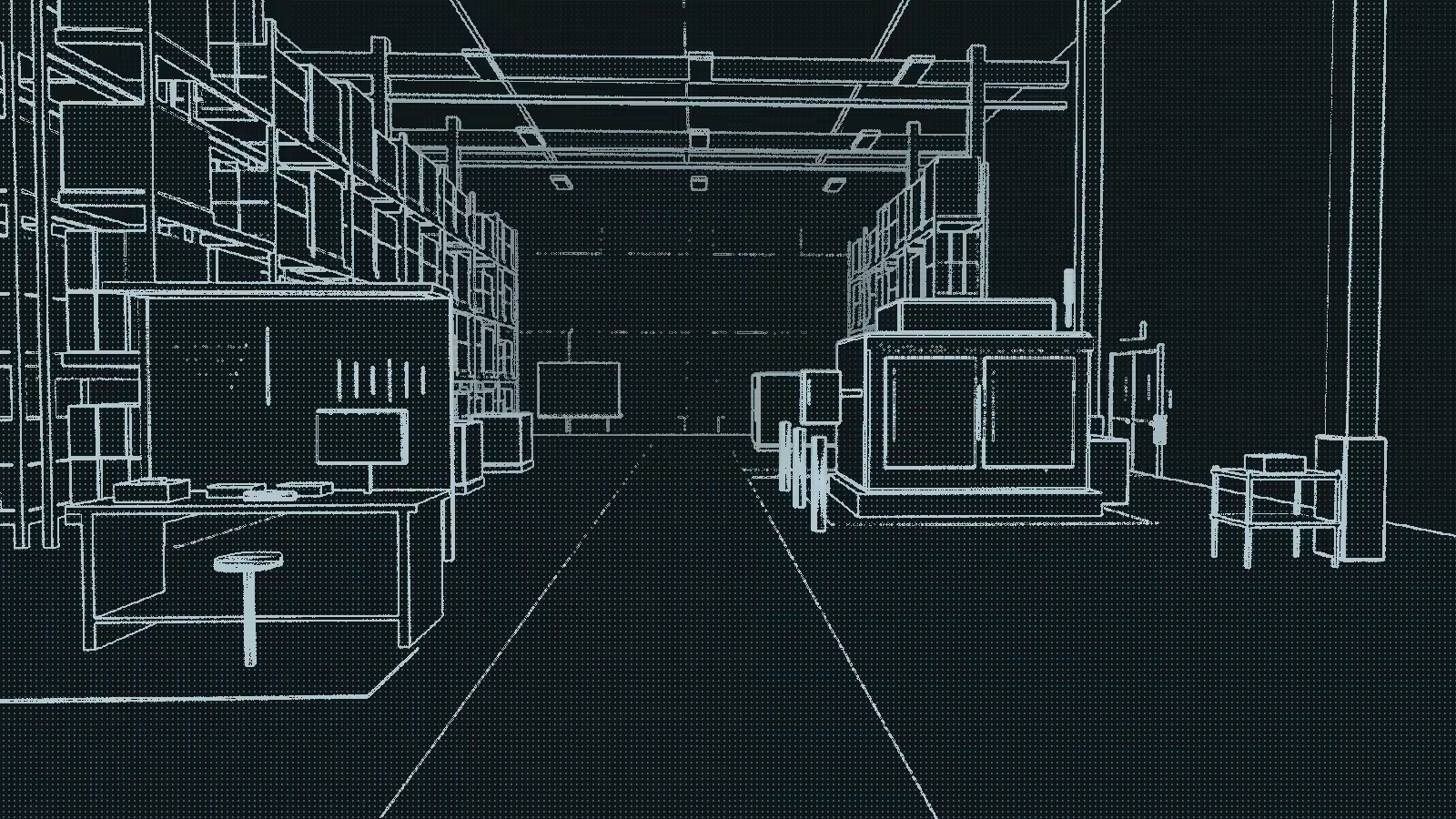
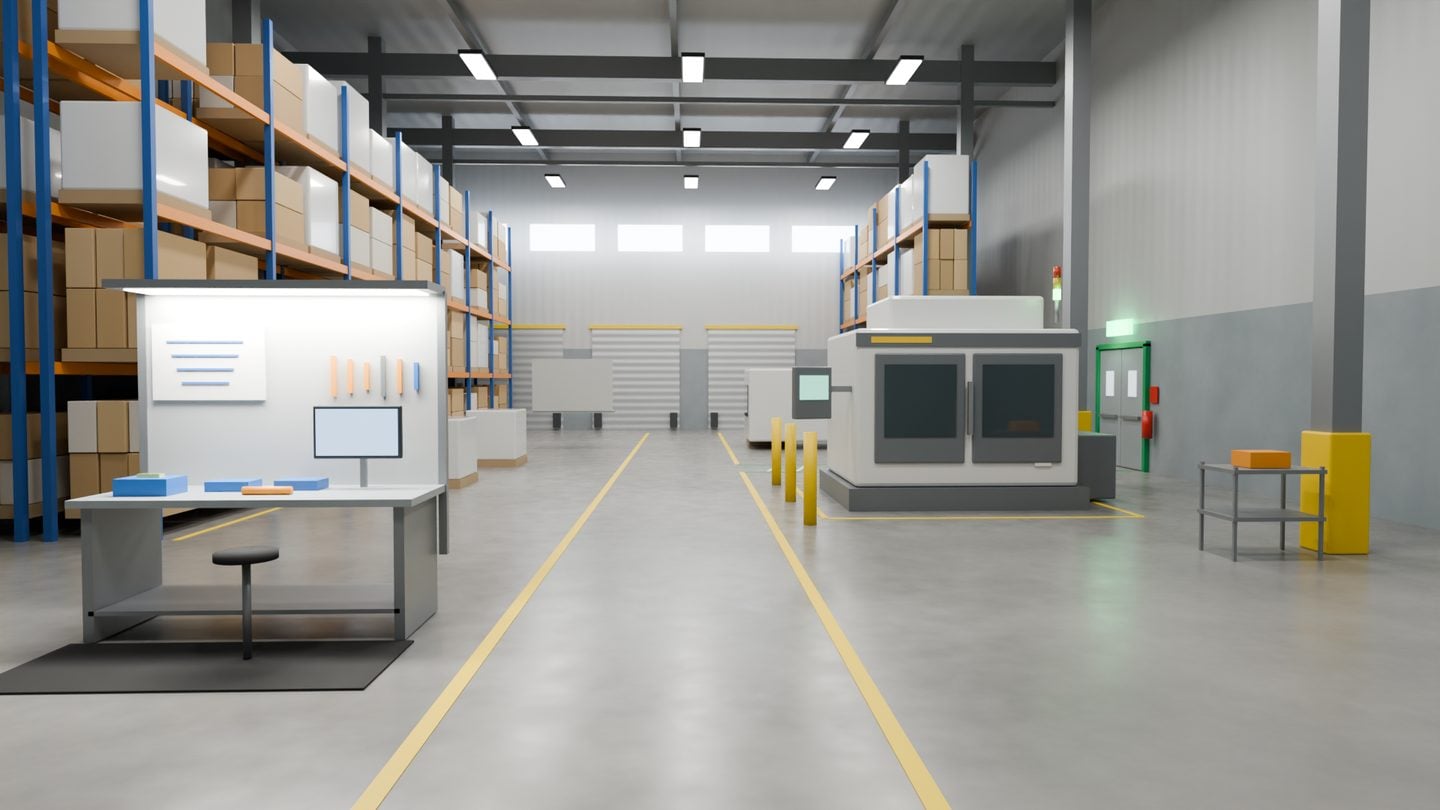
Select a marker to see what your team would see.
How Drex360 works
-
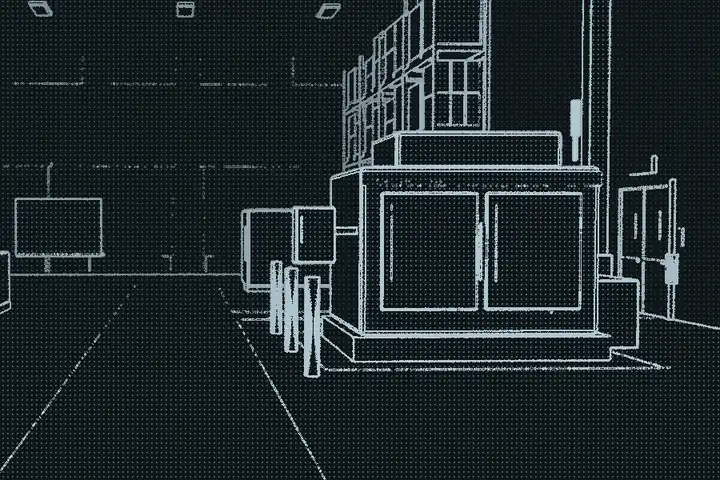
We scan the space
Lean 360 or one of our capture partners walks your facility with a 3D camera, room by room, and captures the geometry and imagery.
-
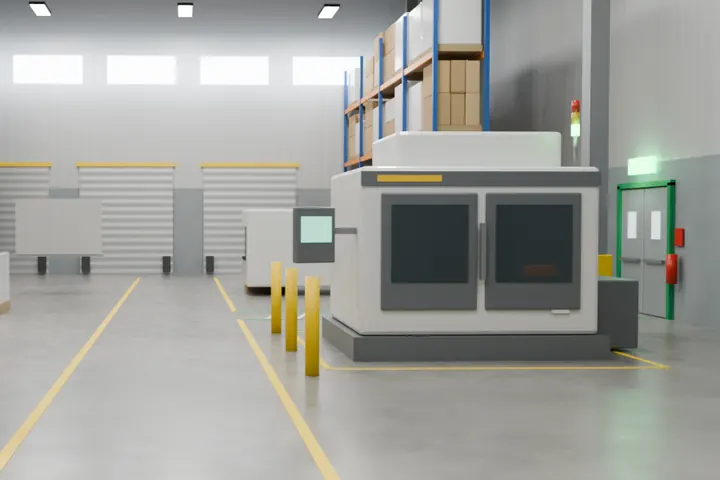
We build the walkthrough
The scan becomes a navigable 3D walkthrough that opens in a browser on a phone, tablet, or desktop. No app to install.
-
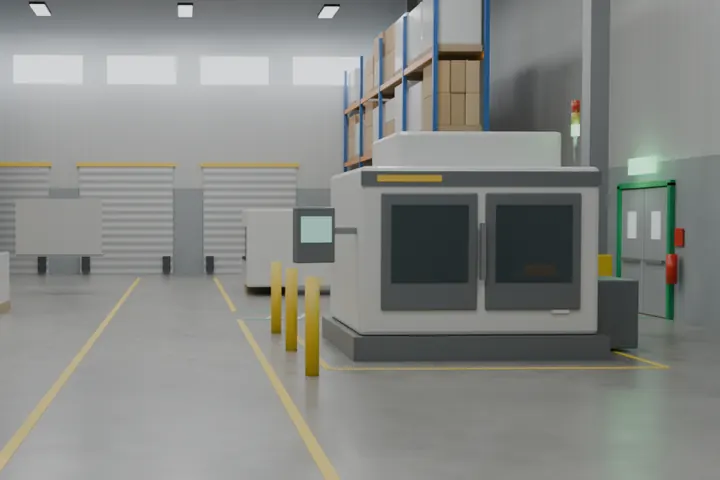
We pin the information
Manuals, videos, procedures, and inspection records are attached to the equipment, stations, and doors they belong to, so people find them in place.

One space, a different walkthrough for each team
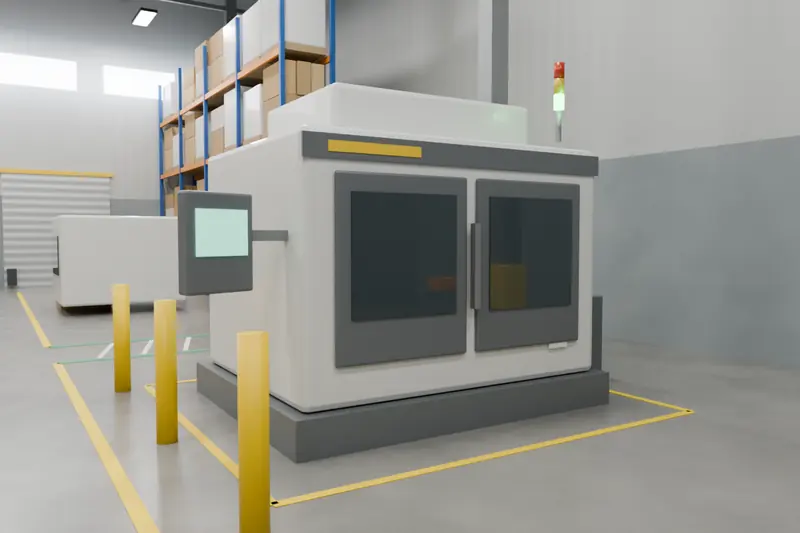
Locate equipment before you dispatch a technician
A machining center in Bay 3 throws a fault. The facilities manager opens the twin, walks to the machine, and checks its asset ID, last service, and the parts used last time. The technician arrives with the right kit and knows exactly which door to use.
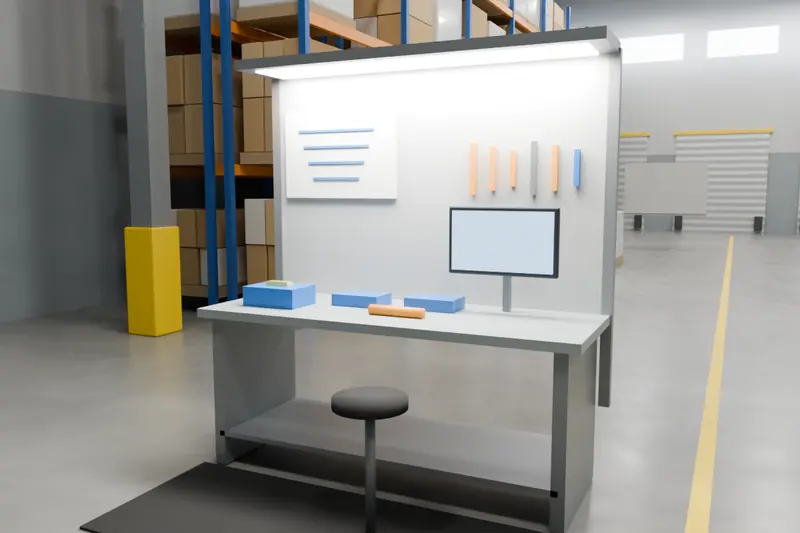
Orient a new hire before their first shift
The day before they start, a trainer walks a new hire through their station: where the PPE is kept, how to check the torque driver's calibration tag, and which checklist runs first. On day one, the floor already looks familiar.
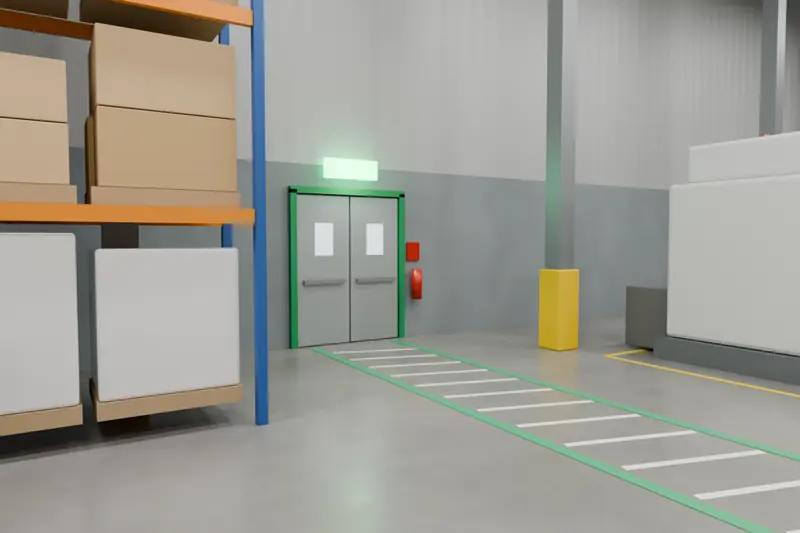
Review emergency routes without walking the building
Ahead of a quarterly drill, the security team traces every route to its exit, confirms signage and extinguisher locations, and shares the assembly point map with each shift supervisor.
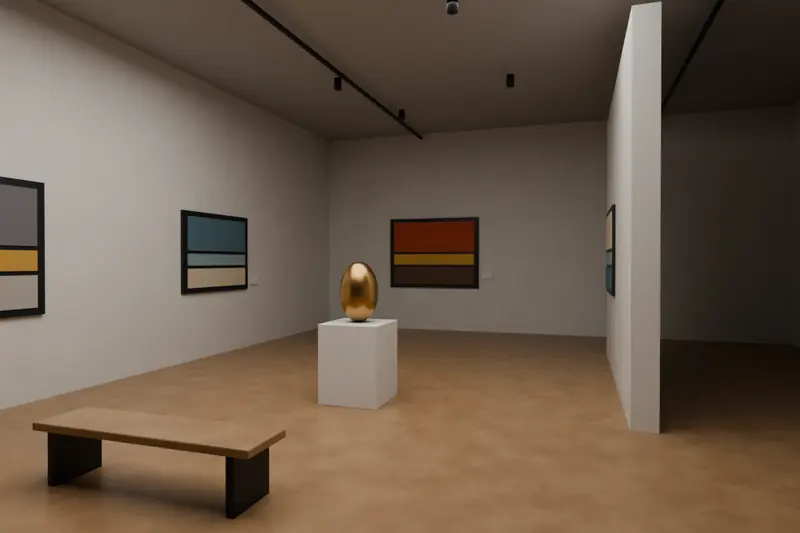
Explore an exhibit from home
A visitor moves through the gallery on their phone, stops at the bronze on the plinth, and opens the curator's audio note and the object record. Some plan a visit; others come back to the room after they've left.
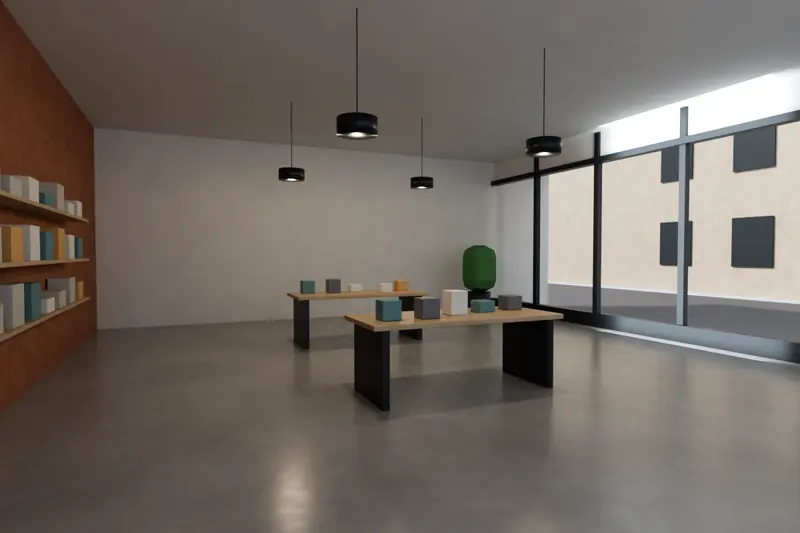
Tour a space remotely before booking a visit
A prospective tenant walks a storefront from another city, checks the ceiling height and window frontage, and pins questions for the broker. They book an in-person viewing only once the space fits.
See your own facility this way
Tell us about the space and who needs to find their way around it. We'll show you a walkthrough built around your use case.
Request a demo for your facility